How B2B workflow app design streamlined enterpise workflows and productivity
Project:
the project
Challenge:
In industries like law, finance, and accounting, managing extended, repetitive workflows, lasting from two weeks to six months, creates operational inefficiencies and limits productivity. Retasks was founded to address this need with a powerful B2B workflow app design that allows companies to plan, execute, and monitor recurring tasks at scale.
Despite a solid feature set, the initial design lacked enterprise-ready usability, making adoption challenging for professional teams. Retask to Lazarev.agency to redefine the user experience, streamline complex workflows, and deliver a scalable, intuitive platform that maximizes efficiency and supports strategic business operations.
Approach:
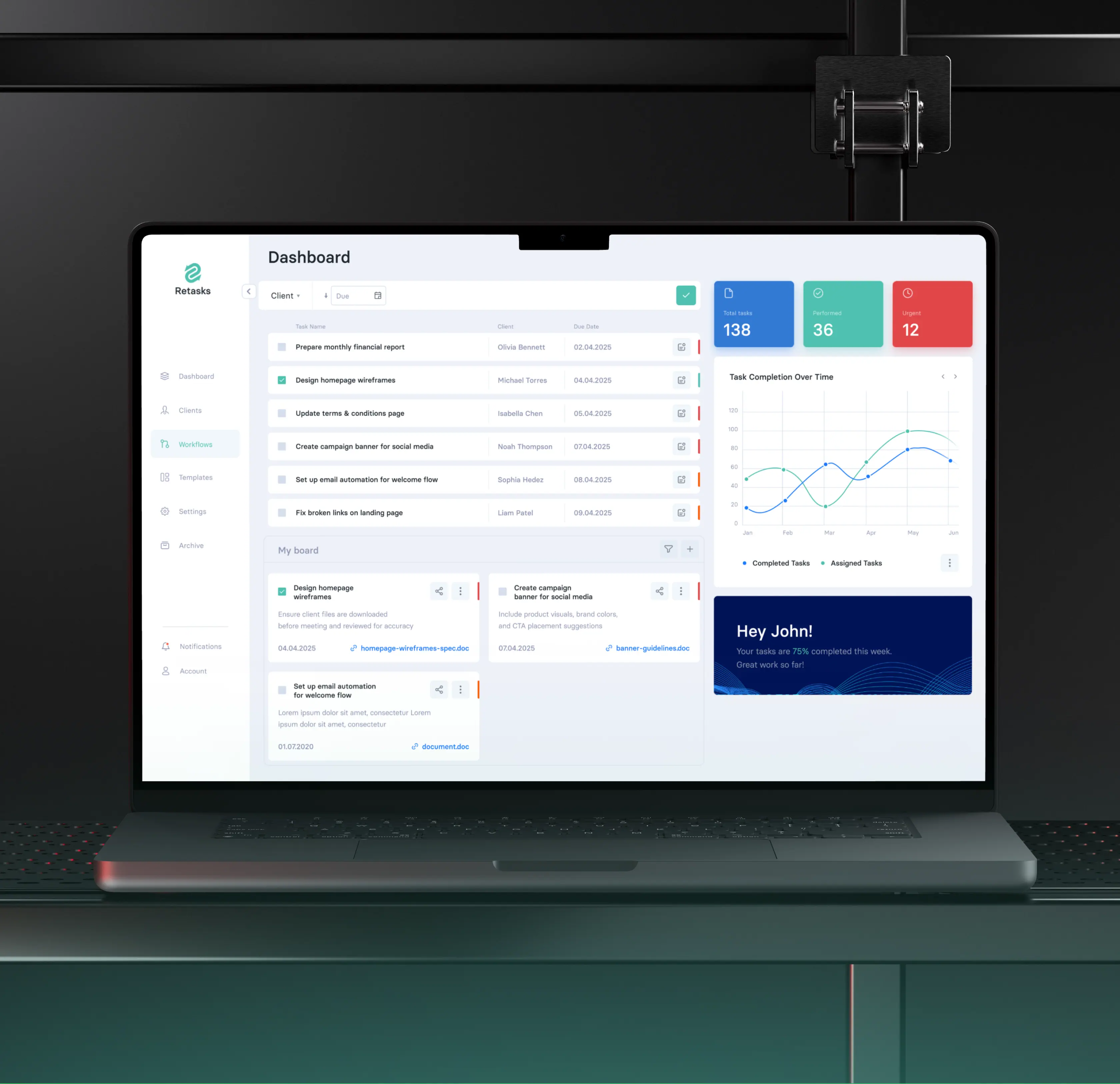
Given the competitive market, we treated UX as a strategic differentiator. Our goal was to create a B2B workflow app design that turns complex, repetitive tasks into an intuitive, efficient experience, allowing users to focus on high-value work while automation handles time-consuming, manual processes.
The Project’s
Discovery Phase
Experience strategy
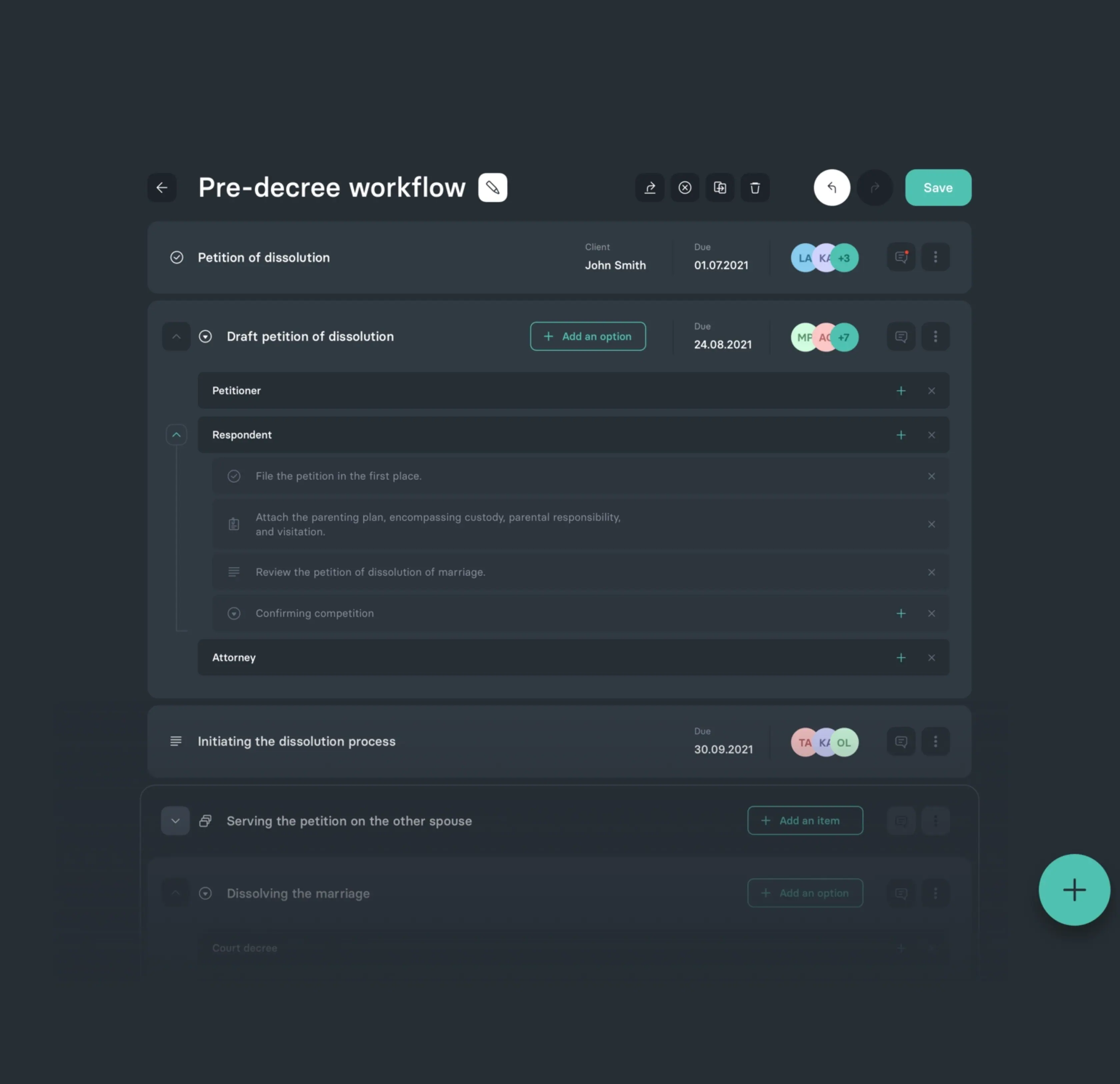
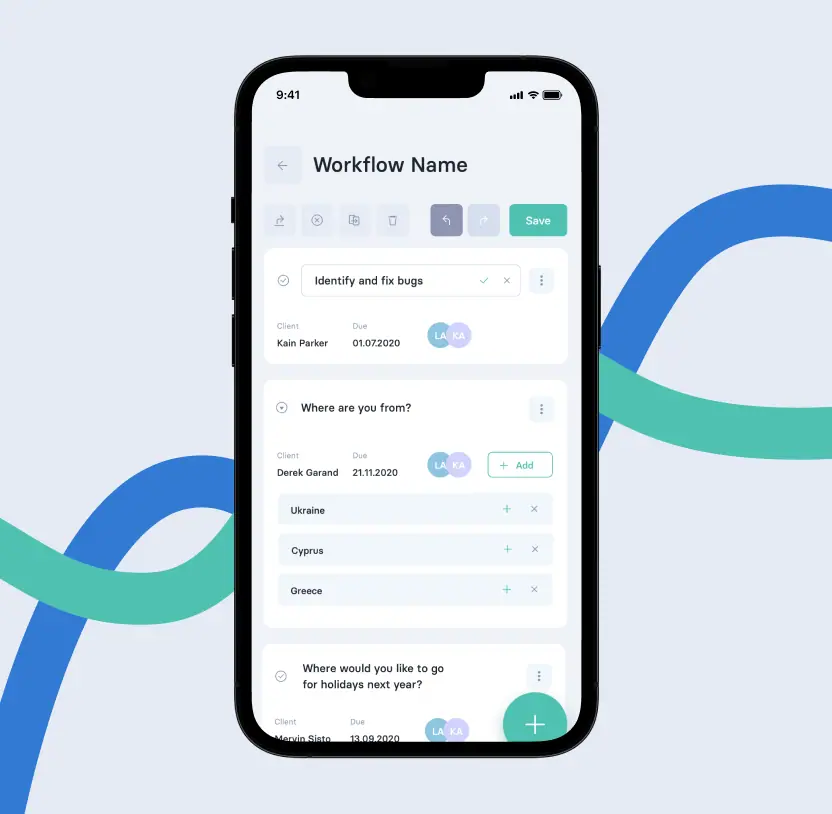
The user experience is centered around the core functionality of creating recurring workflows. Whether it's the routine task of submitting a quarterly financial report, which typically spans a week, or a more extensive, long-term workflow that extends over 3 to 6 months, our objective was to accommodate these common occurrences into a fluid, automated flow.
Introducing recurrent workflows
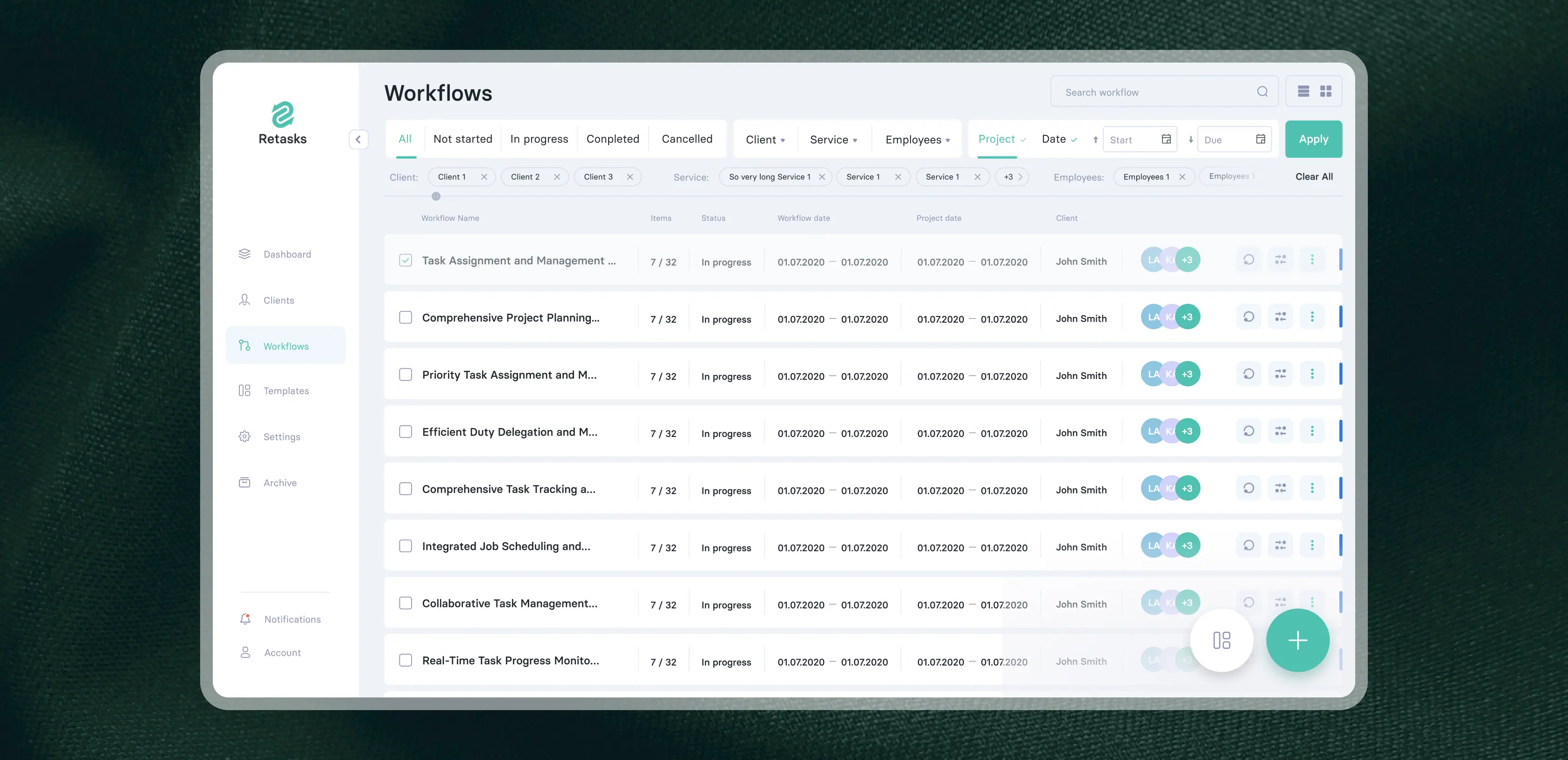
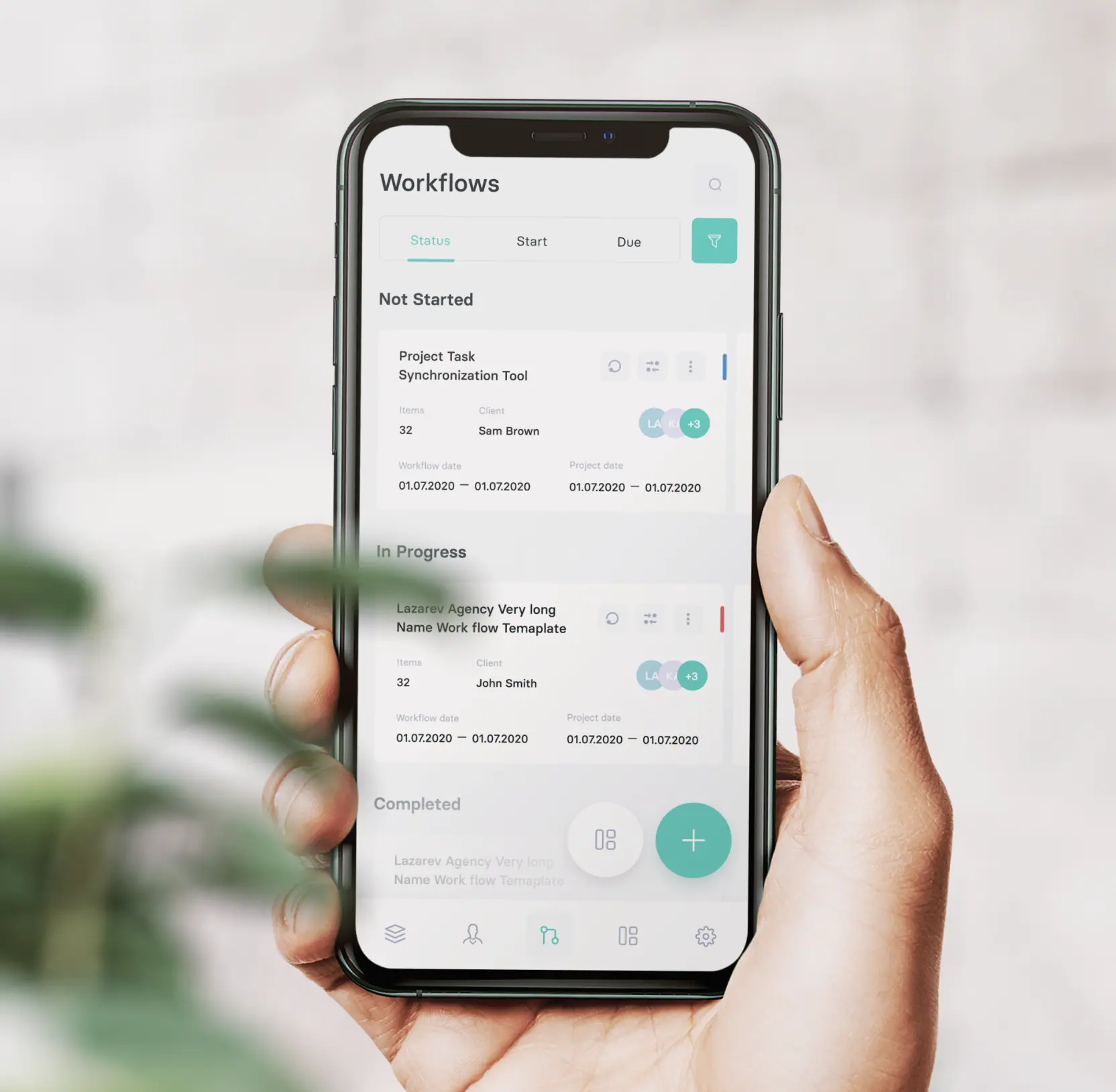
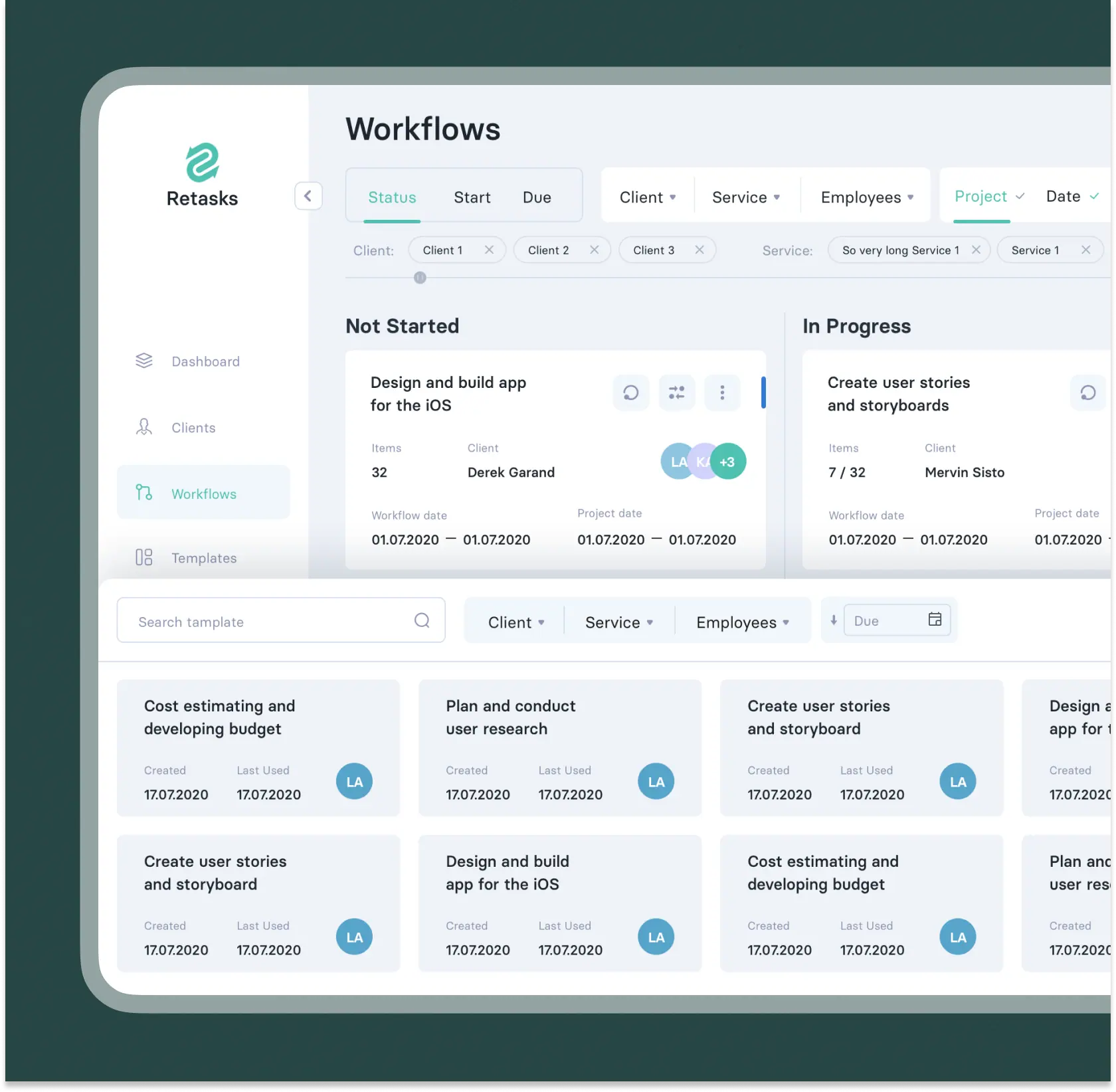
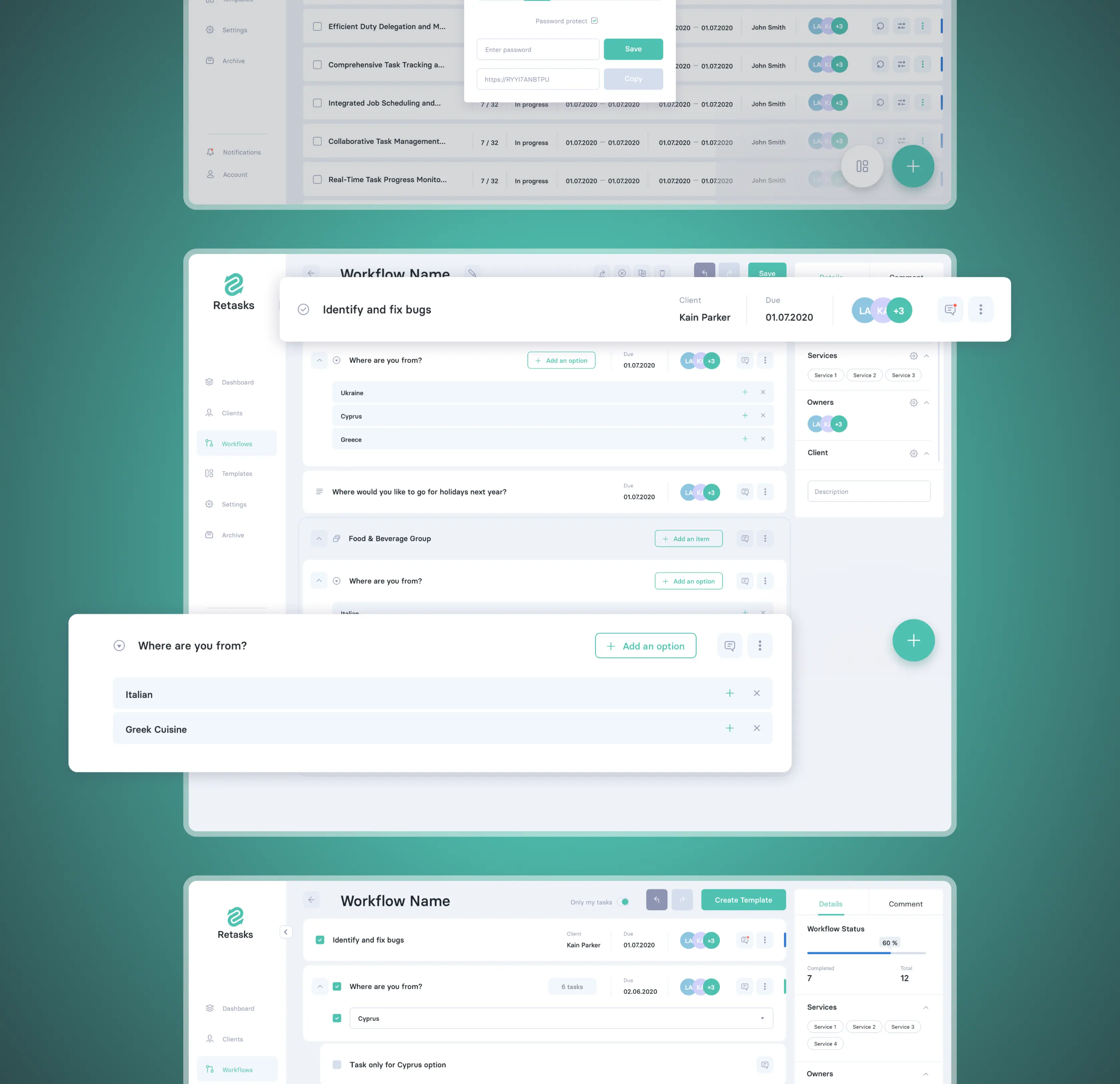
The Workflow module showcases all workflows categorized by statuses, spanning from "Now Started" to "Completed."These statuses undergo automatic updates; when a task's start date commences, it transitions to "In Progress," and upon the completion of all tasks, it shifts to "Completed." These mechanics are designed to streamline user experience.
Enhancing UX with advanced filtering
Within the vast workflow landscape of big firms, accommodating potentially up to a hundred diverse workflows catering to different clients and services, it becomes paramount for employees to find the flow catered towards one exact client or service and process it.
To optimize this experience, we introduced a header equipped with advanced filters. It empowers employees and managers alike to stay aligned with the workflows that align with their specific interests and responsibilities.
Using templates for automation
Considering the repetitive nature of workflows, The Start Date and End Date filters hold significant importance. For instance, when an individual is tasked with a recurring workflow, such as "submit last year's accounting report," they must efficiently locate the specific workflow from the multitude of options, one that corresponds to the previous year and contains the relevant report.
Facilitating two-side cooperation
Retasks also accommodates the firm's clients who may need access to task deliverables within the workflow.
We designed a functionality that empowers employees to effortlessly share a workflow with their clients, creating a secure, password-protected URL for access. Once the password is entered, clients are directed to their specific business-related workflow, where they can view only the tasks they are authorized to access.
Within the platform, clients can receive their deliverables and mark tasks as "Completed." Their confirmation is an essential requirement and tasks’ status update never occurs automatically.
Ensuring smooth client management
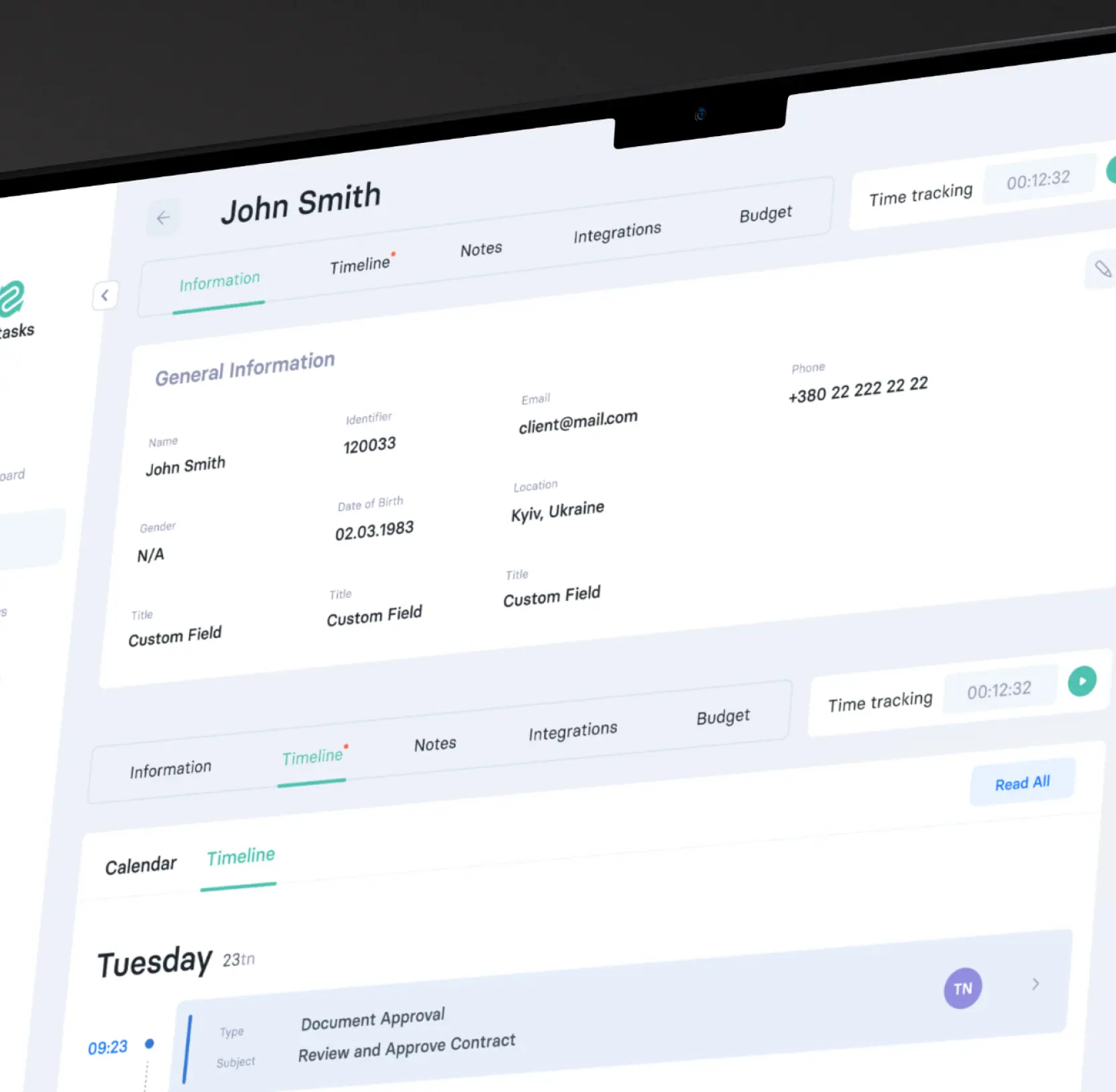
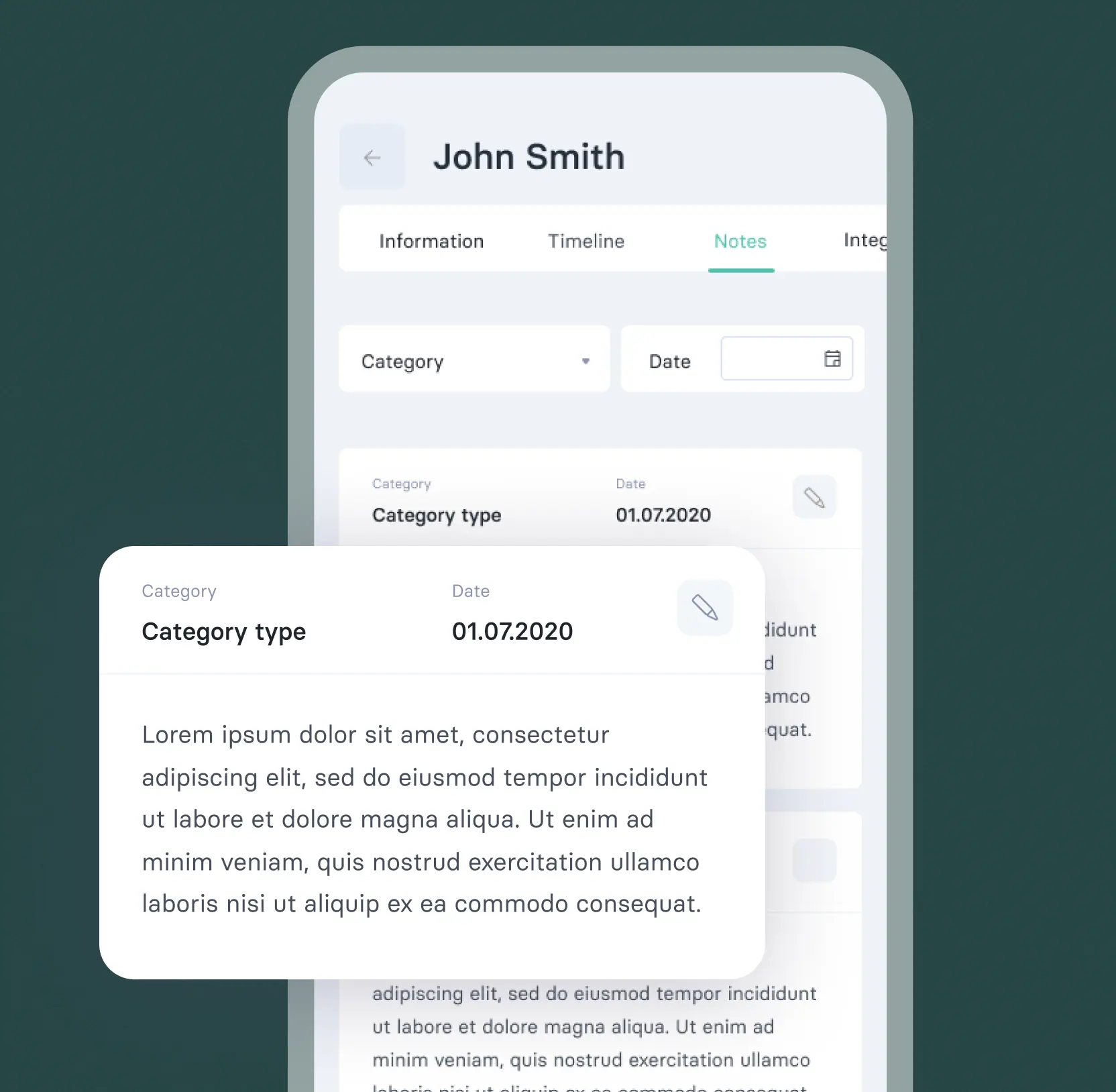
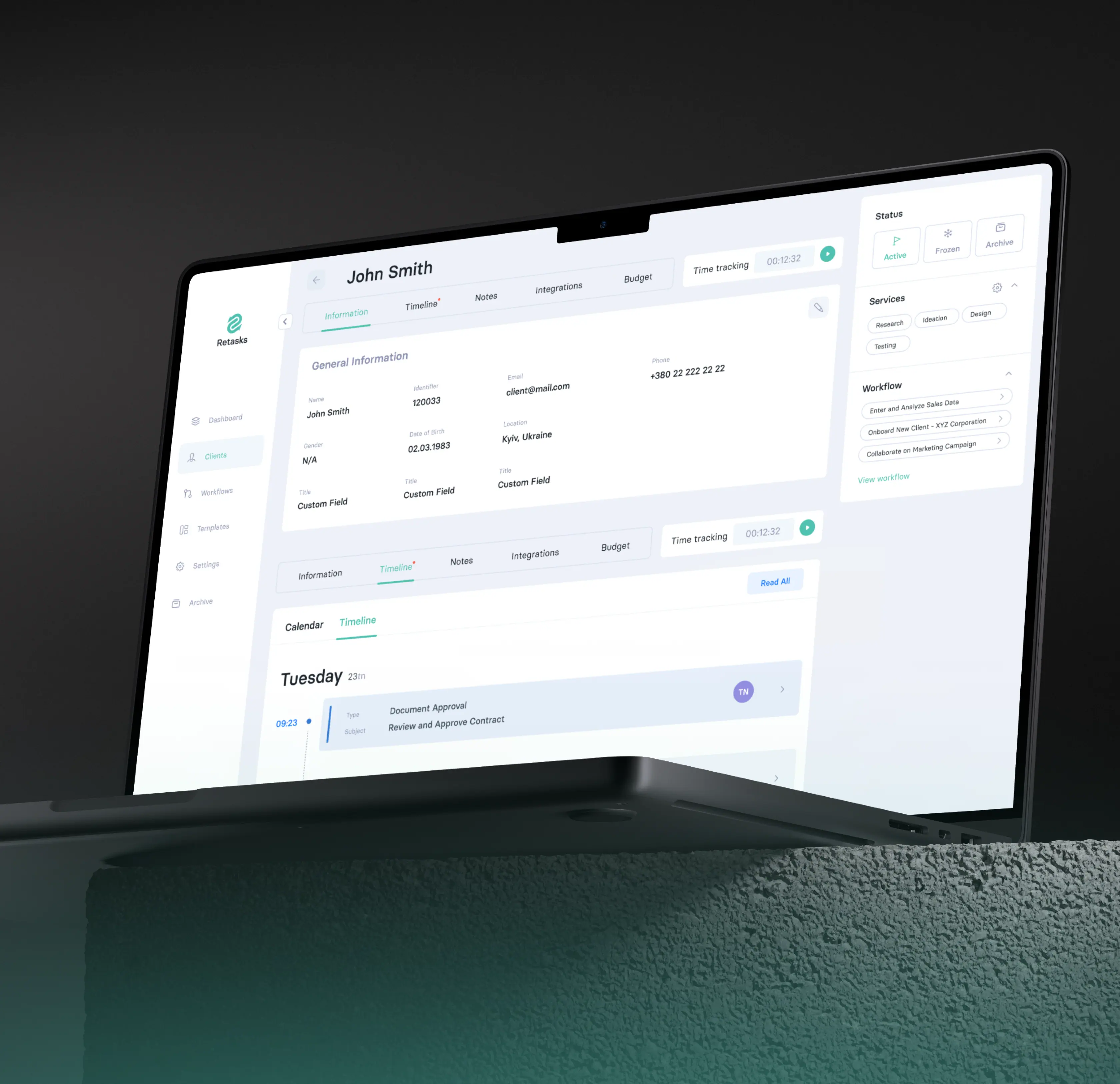
In the quest for efficient client management, we designed a specialized module. This module serves as a repository for client records, encompassing project budgets, service history, completed workflows, timelines, and engagement activity.
Notably, it offers the flexibility to categorize clients as individuals or legal entities. Moreover, within a legal entity, employees can create multiple contacts for more comprehensive client oversight.
AI & ML
Lazarev. agency offers comprehensive digital design services. Discover our range of related expertise supported by impactful case studies.
More Startups Cases
FAQ
How can B2B workflow app design improve productivity?
A thoughtful B2B workflow app design simplifies complex, repetitive tasks, reduces manual effort, and ensures teams spend more time on high-value work, boosting overall enterprise productivity.
How does design impact workflow visibility?
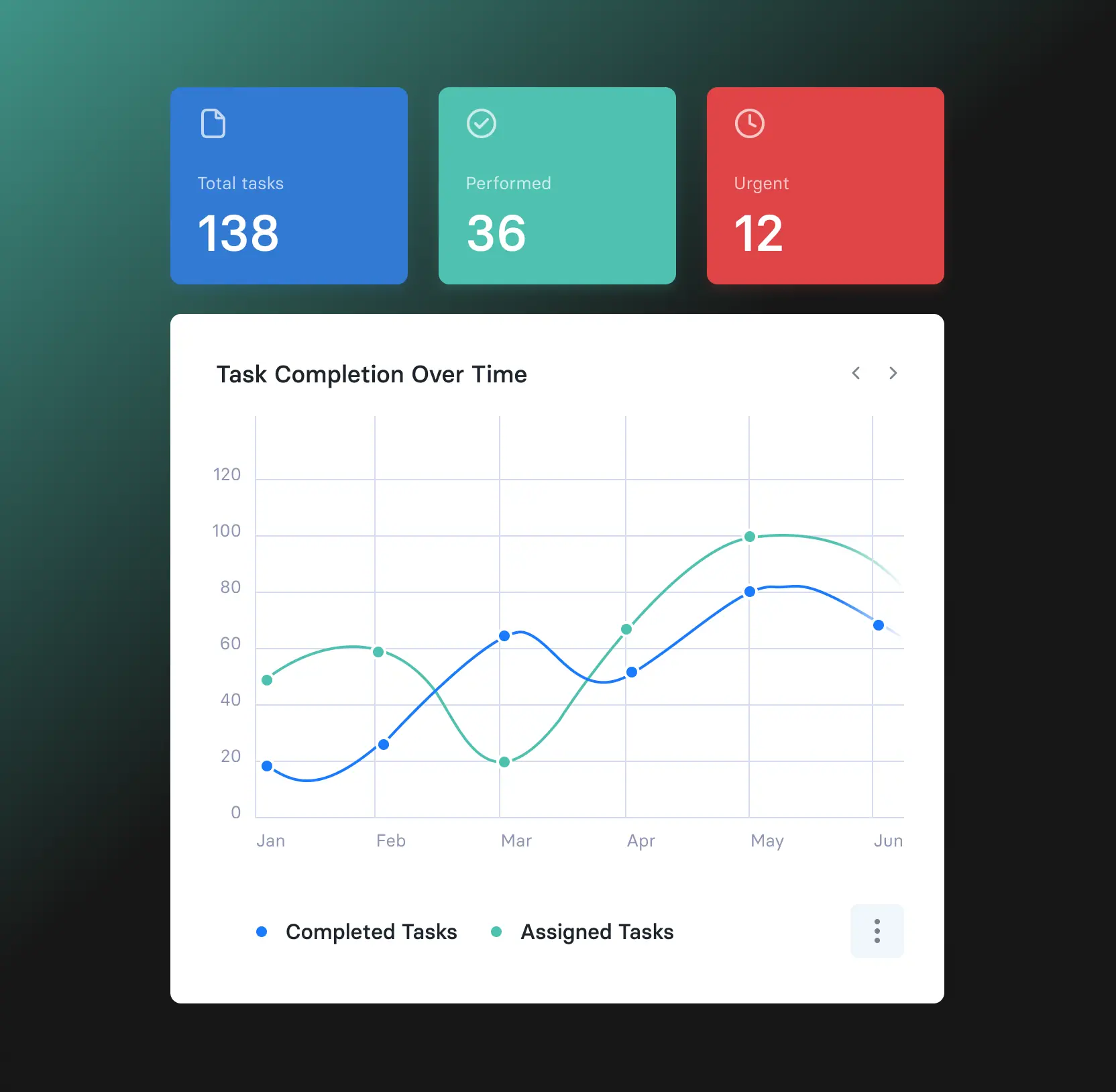
Intuitive dashboards and clear task hierarchies give managers and employees full visibility into ongoing workflows, enabling better planning, resource allocation, and timely decision-making.
How does automation enhance enterprise workflow management?
Automation handles repetitive tasks such as approvals, reminders, and reporting. This reduces errors, saves time, and allows teams to focus on strategic priorities instead of routine work.
How can a workflow app support cross-department collaboration?
By centralizing workflows and tasks, the platform allows multiple teams—finance, legal, operations to coordinate efficiently. Real-time updates and shared dashboards ensure alignment across departments.
Why is user-centered design critical for enterprise apps?
A design-focused approach ensures the platform is intuitive and easy to adopt, reducing training time, increasing engagement, and driving consistent usage across all teams.
How can workflow app design drive measurable business outcomes?
By streamlining tasks, improving collaboration, and integrating automation, proper design directly impacts efficiency, reduces operational costs, and supports faster, data-driven decision-making.
Why should legacy workflow tools be redesigned?
Outdated platforms often hinder adoption and productivity. Redesigning with modern app design principles introduces scalability, automation, and user-friendly interfaces, enabling teams to work smarter and more efficiently.